Trak Workforce01 / 04
Trak your crew.
Build the rota, fill every shift and pay people for the hours they worked.
- Staffing
- Rota
- Live Day
- Managers
- Travel & Stay
- Roster
Apps
Beta
Three open now, eight more in beta.See every app
Use cases
Why Trak
Learn
Early access is open. Leave your name and email and we will be in touch as places open.
You are on the list.
We will be in touch by email.
Nothing found.
Every job on an event has its own part of Trak, on the web and on the phone. This is what each one does, and how they work together.
Inside each app
Trak Workforce01 / 04
Build the rota, fill every shift and pay people for the hours they worked.
Trak Stock02 / 04
Count, order and balance stock across every bar, straight from the phone.
Trak Hub03 / 04
Where every event starts: one home for your events, clients, suppliers and team, so every other app works from the same facts.
Trak Suite04 / 04
Take the one you need, or all of them in one plan. Every app works from the same events, clients and team.
BetaThe apps in build join Trak Suite as each one opens.
Trak Workforce
Book your crew on the web. They see their shifts, check in and get paid on the phone.
Explore Trak Workforce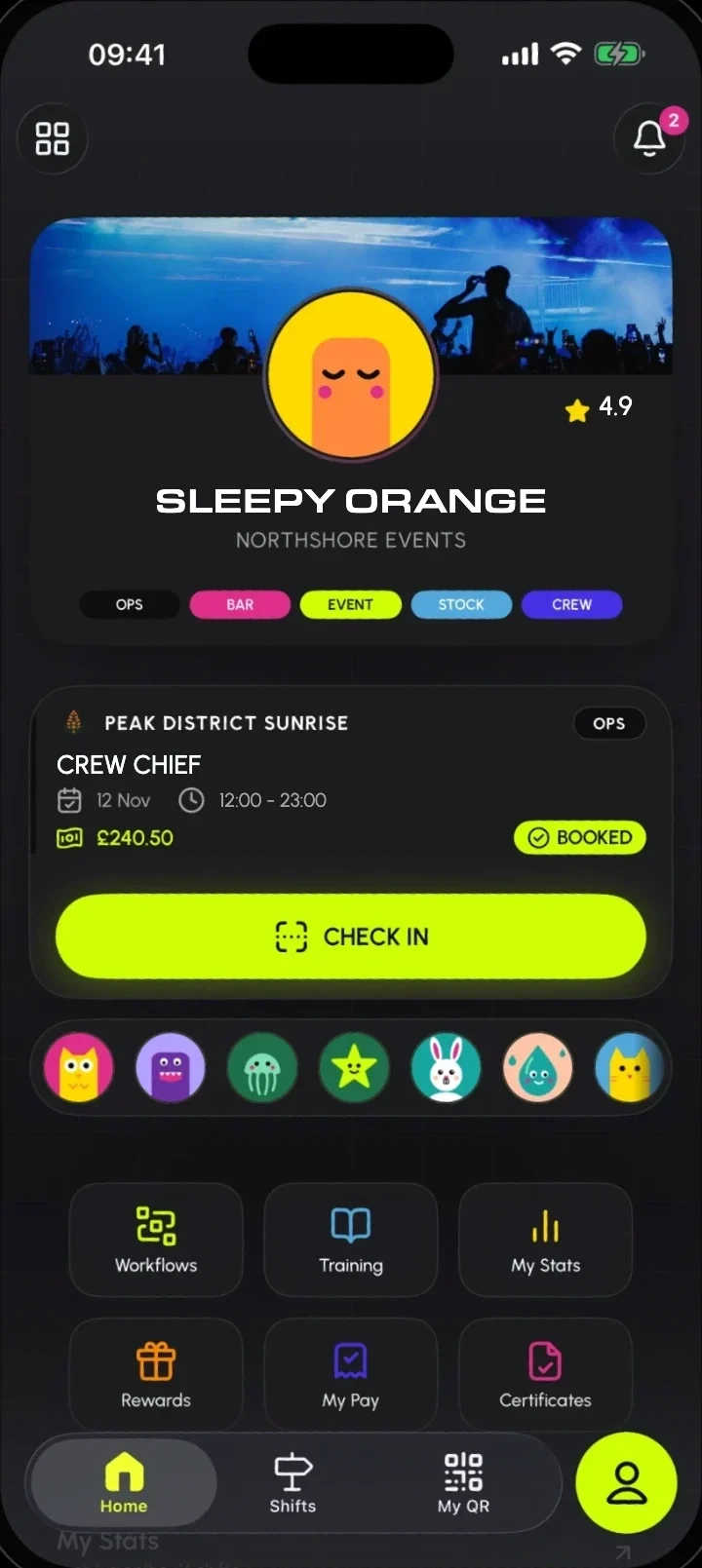
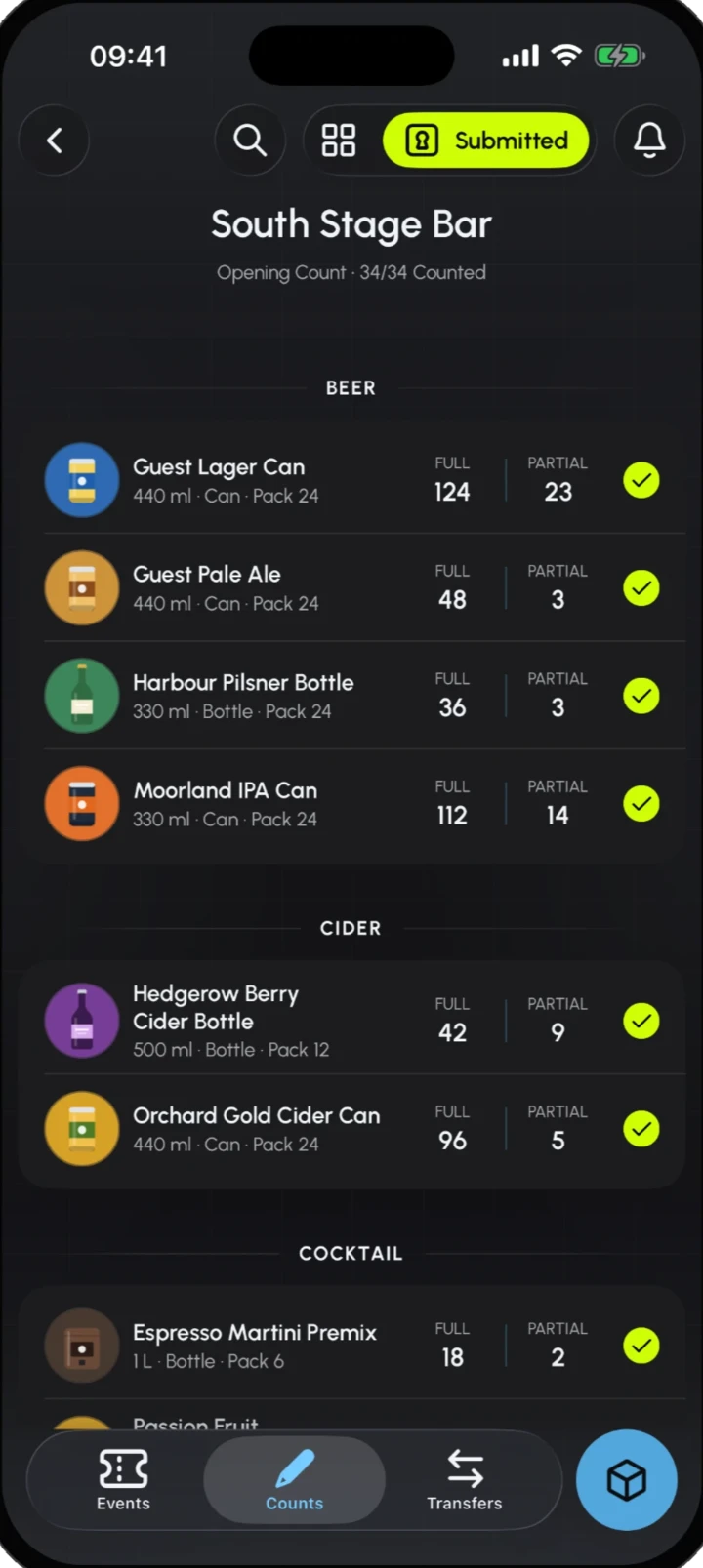
Trak Stock
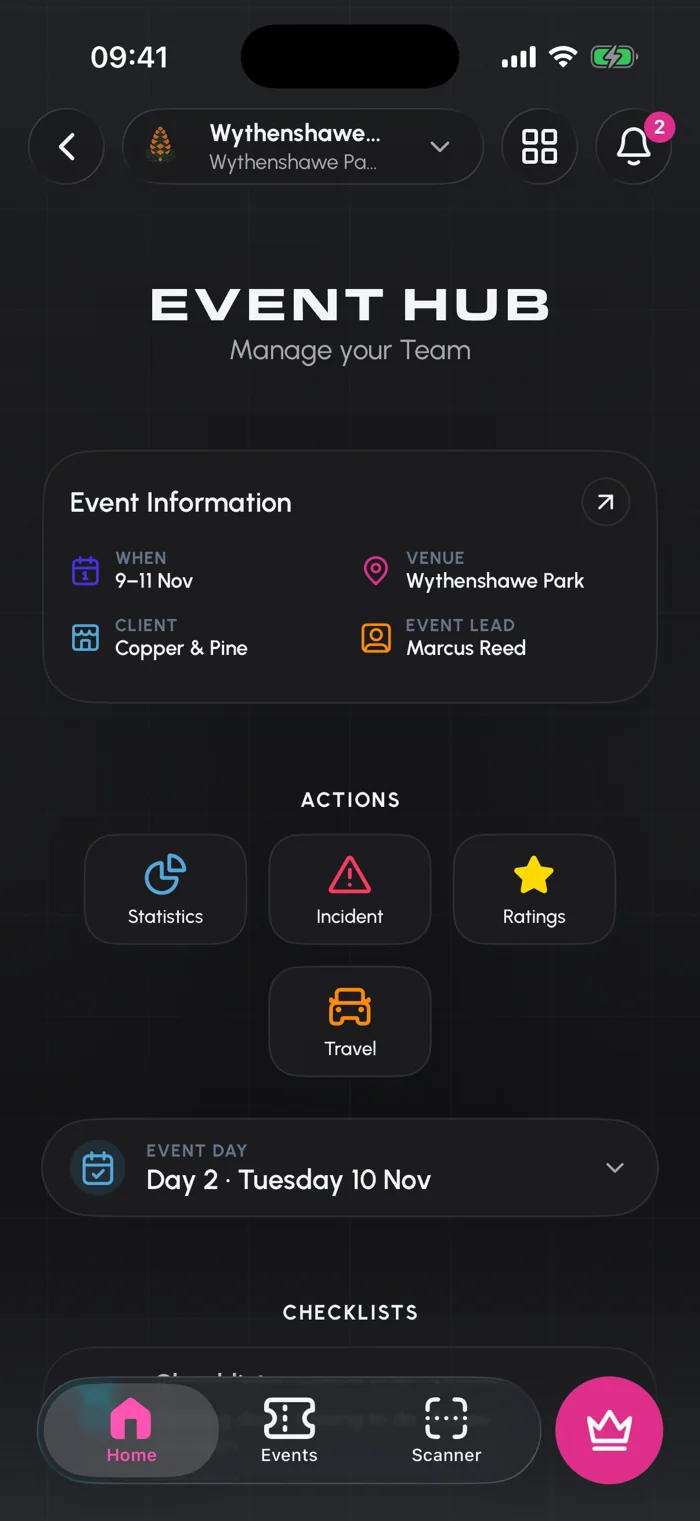
Build the event menu on the web, then count every bar from the phone.
Explore Trak Stock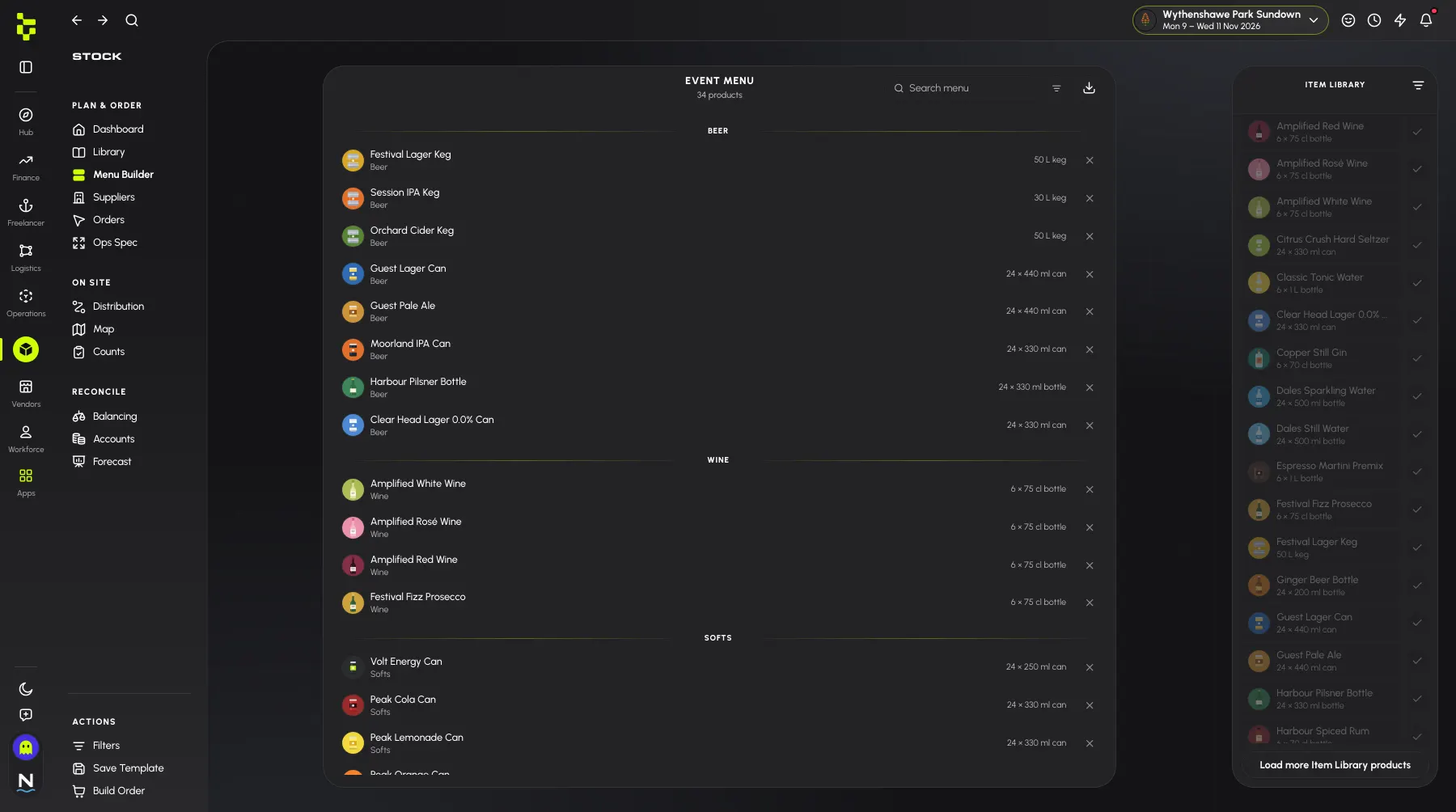
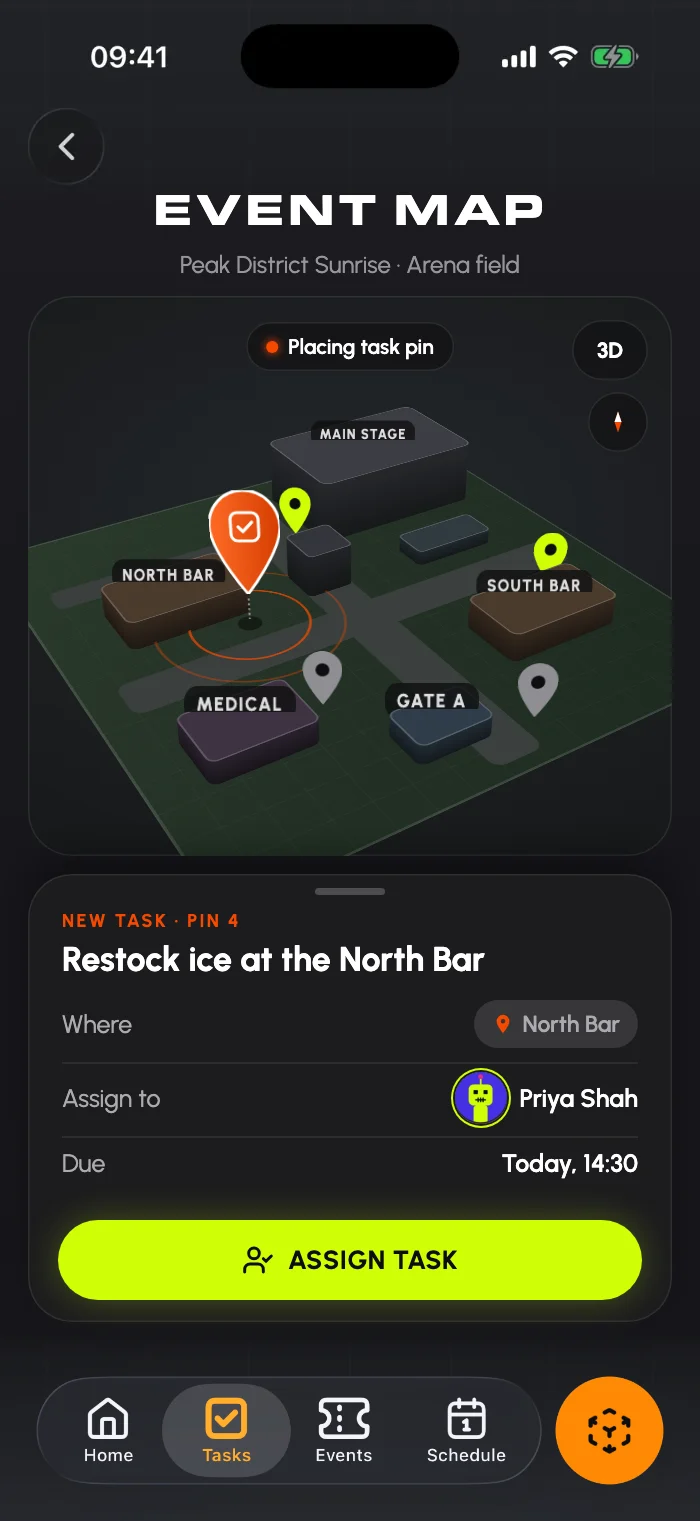
Trak OperationsBeta
Pin a task to the site map and hand it to the right person, from the office or on site.
On the phone
Shifts offered, booked and changed reach the crew's phones the moment they happen.
A drawing of Trak Workforce notifications: a shift accepted, a shift offered, a rota changed.
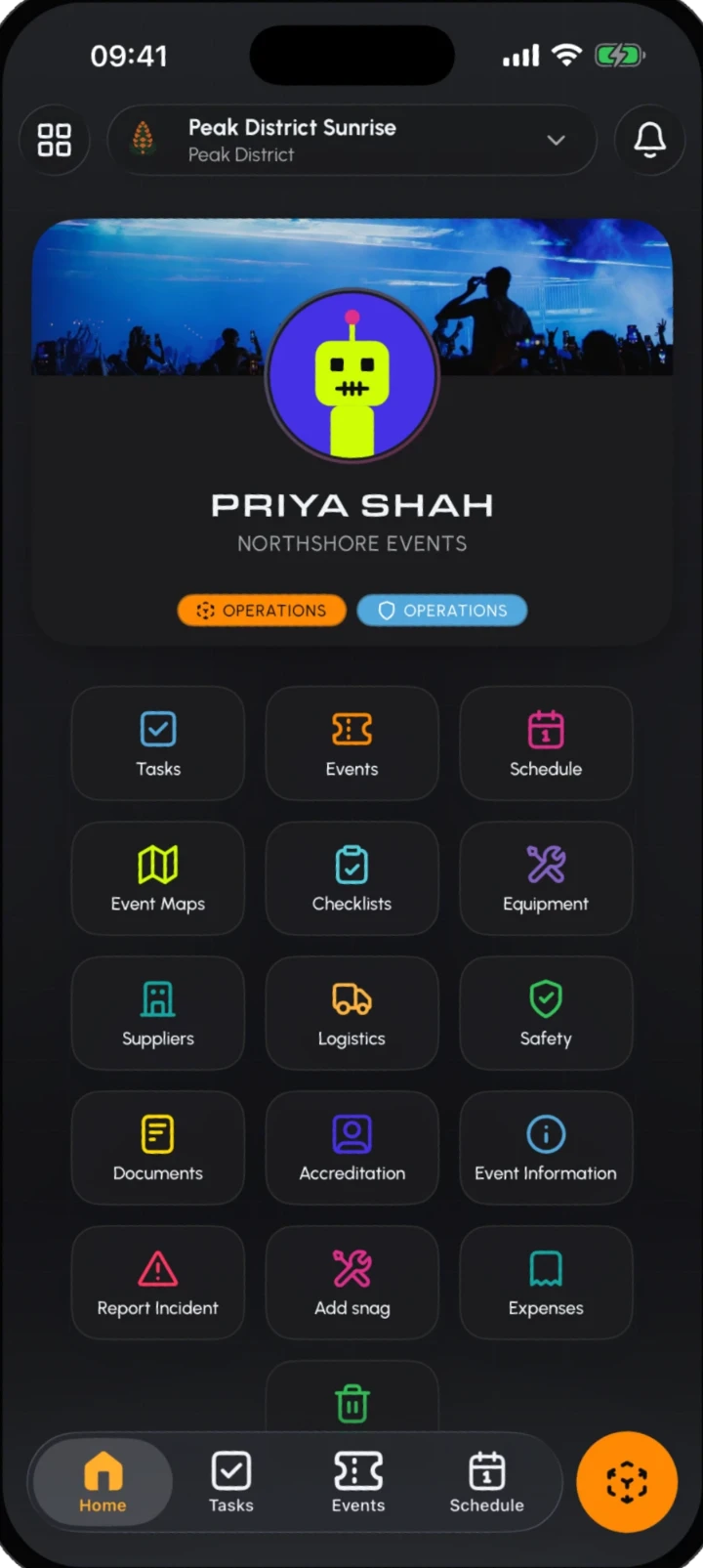
Crew, managers and the office each see what their level allows, and nothing more.
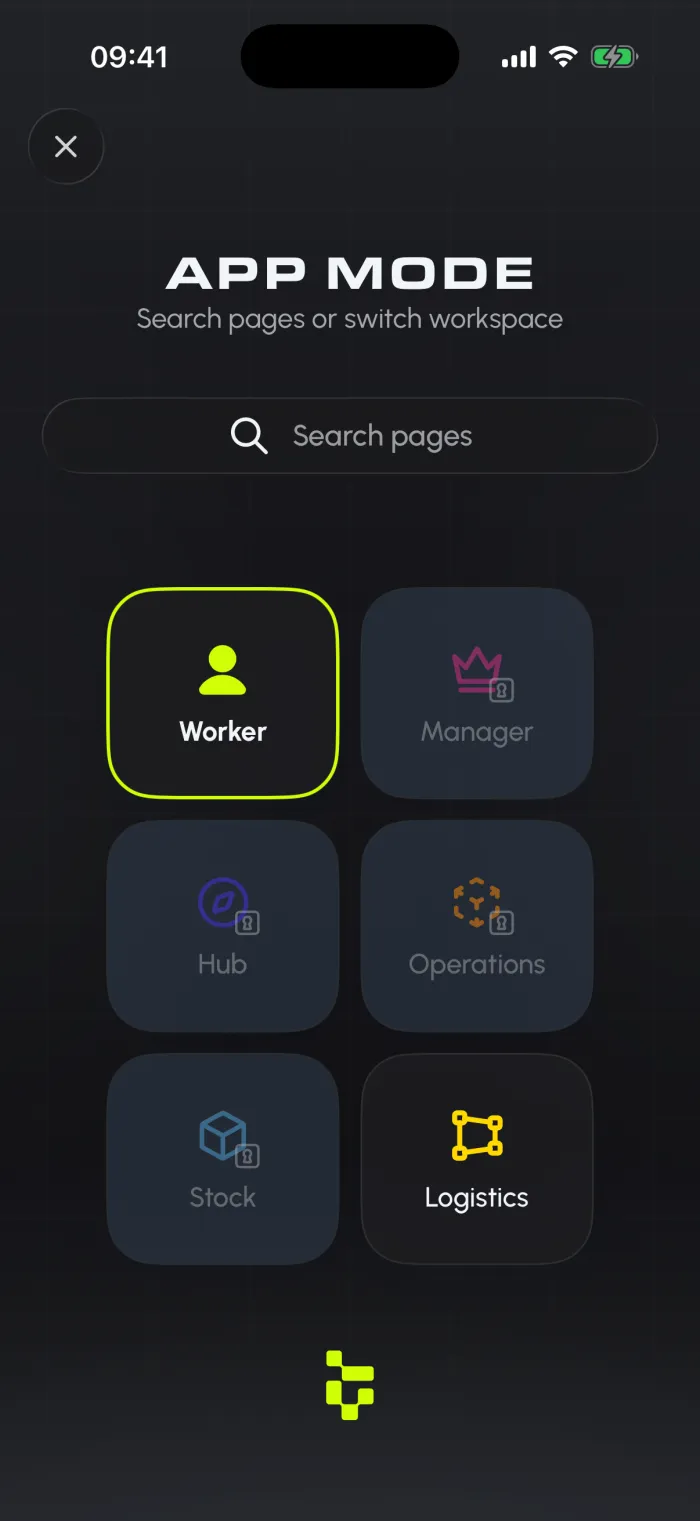
The Trak app showing the modes a person's permission level opens.
Check-ins, counts and photos save on the phone and sync when the signal comes back.
A drawing of Trak with no signal, a check-in, a count and a photo saved on the phone.
On iPhone, the next shift sits on the lock screen: where, when and a countdown to the start.
A drawing of a Trak shift Live Activity: the event, its start time and a countdown.
Your next event, run on Trak. See the web portal and the event app in a live demo.
Book a demo
A few details and we’ll be in touch to book it in. About thirty seconds.
Thanks. We’ll be in touch to book your demo.