Trak Operations
Beta
Trak the day.
Suppliers, tasks, checklists and incidents for the whole event, from build to breakdown: planned in the office, run on site from the phone.
Why use it
One place, not five.
Your tasks, checks, incidents and suppliers in one place, not across clipboards, group chats, spreadsheets, emails and paper forms.
- Schedule, main stage
- Checklists, bars
- Incidents, medical
- Suppliers, traders
- Accreditation, gates
- Safety, crew camp
- Tasks, loading bay
- Documents, production
- Forms, car park
- Sustainability, recycling
Event control
Every area, one control room.
Command Centre brings every part of the site into event control: checklists, incidents, safety and tasks as they're logged, from the gates to the car park.
Accreditation
Every pass, every zone.
Passes for everyone on site, from crew and artists to traders, media and guests, each with the right access.
- All accessAll areas
- ProductionStage and backstage
- CrewSite and crew camp
- ArtistBackstage
- TraderTrader village
- MediaMedia pen
- GuestArena and guest bar
- VehicleCar park and gates
On the phone
Built for the field.
Push notifications
Shifts offered, booked and changed reach the crew's phones the moment they happen.
A drawing of Trak Workforce notifications: a shift accepted, a shift offered, a rota changed.
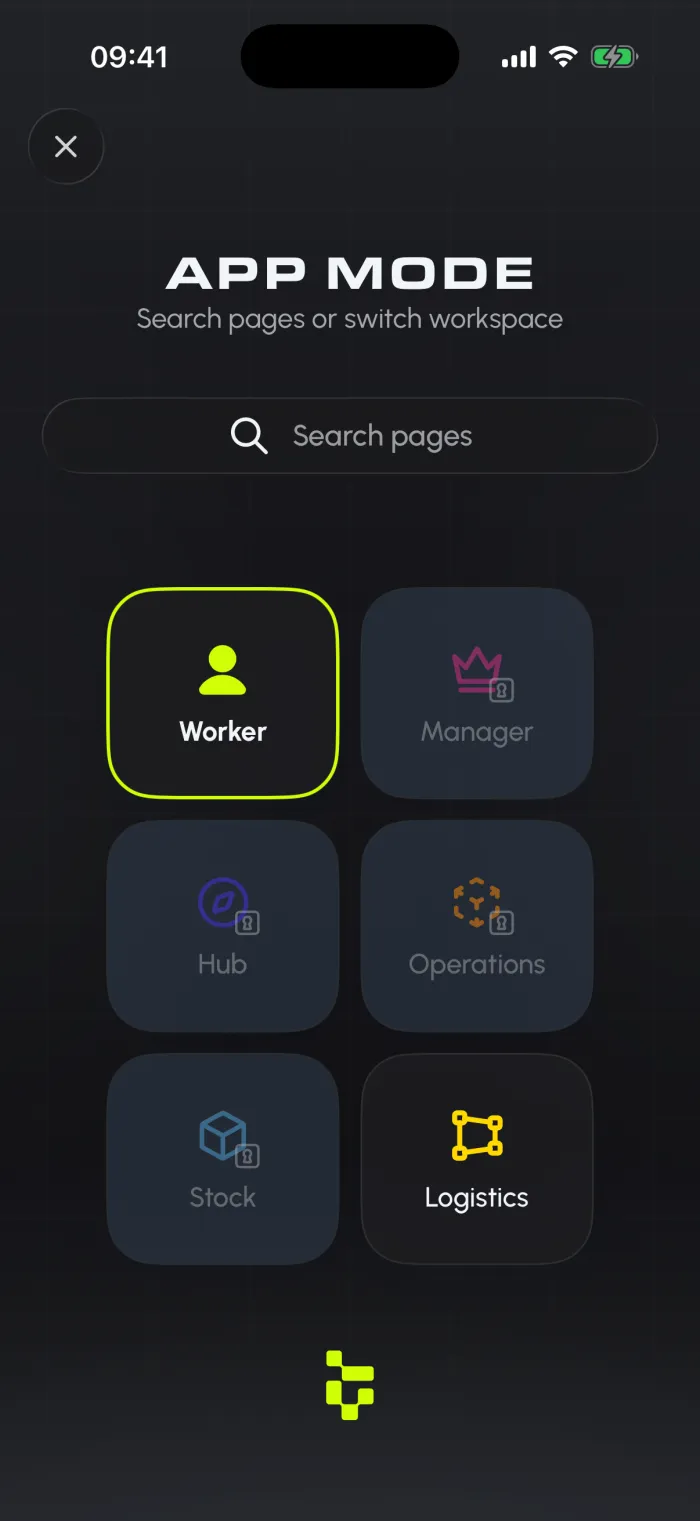
Permission levels
Crew, managers and the office each see what their level allows, and nothing more.
The Trak app showing the modes a person's permission level opens.
Works offline
Check-ins, counts and photos save on the phone and sync when the signal comes back.
A drawing of Trak with no signal, a check-in, a count and a photo saved on the phone.
Live activities
On iPhone, the next shift sits on the lock screen: where, when and a countdown to the start.
A drawing of a Trak shift Live Activity: the event, its start time and a countdown.
Trak your events.
Your next event, run on Trak. See the web portal and the event app in a live demo.